Search app at Onboarding and Offboarding flow
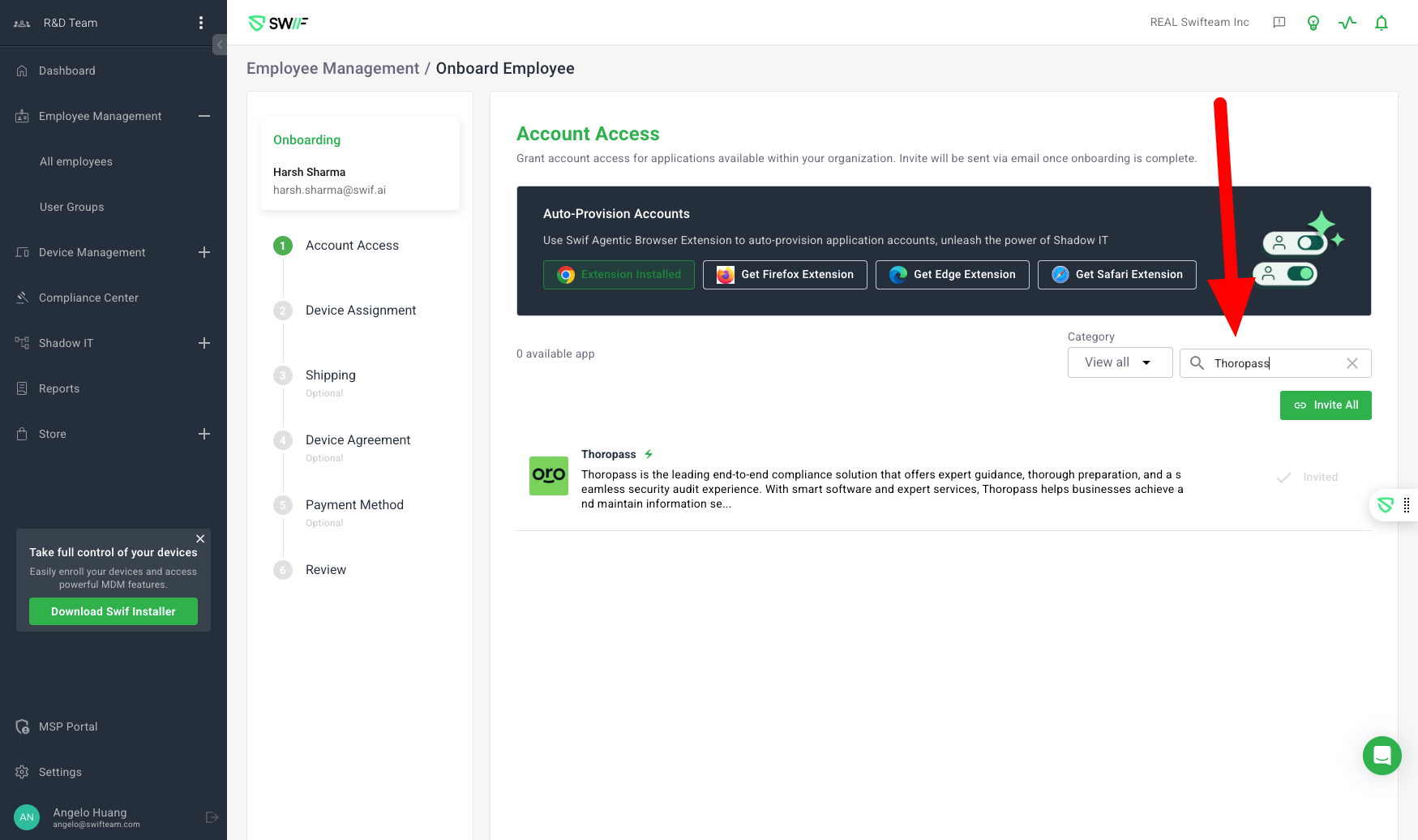
Here are the key features of IT Onboarding/Offboarding’s Search box:
Purpose: Add search boxes to improve navigation and filtering in IT onboarding/offboarding flows, specifically for Shadow IT apps and device/software management.
Scope:
Add a search box to the Onboard Employee flow for filtering Shadow IT apps.
Add a search box to the Offboard Employee > Revoke Account Access flow for filtering accounts/apps.
Add a search box to the Install Software > Selected Devices view for filtering devices.
Performance: Filtering must remain responsive and accurate, even with large lists.
Summary:
This ticket focused on enhancing the onboarding/offboarding experience by adding search functionality to key views, improving usability and efficiency for IT admins managing Shadow IT apps and devices. All requirements were implemented and verified as complete.