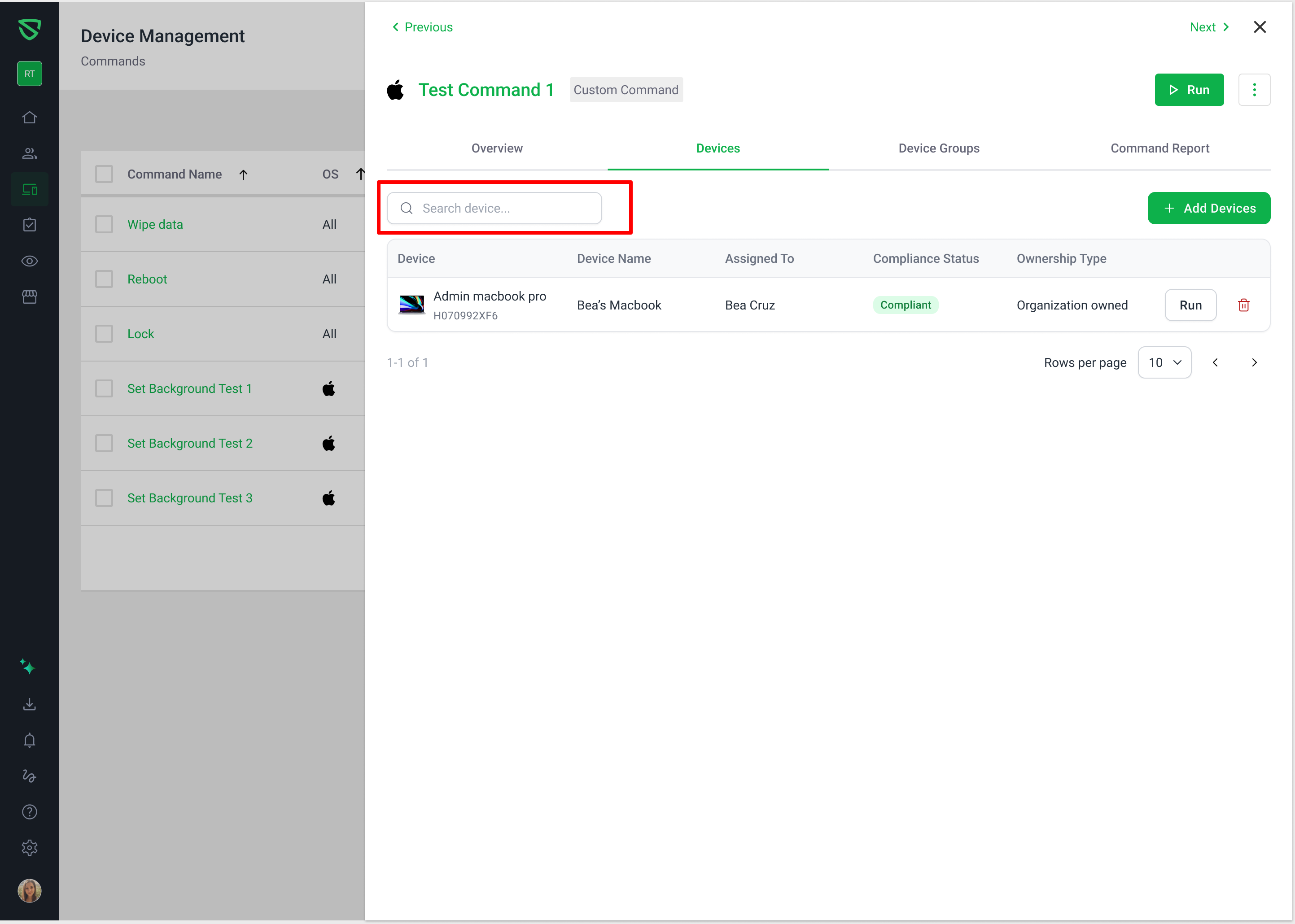
Command Devices Tab Search
Release / Sprint: 1.0.235
Component: Web App (Commands > Devices Tab)
Type: Feature / Enhancement
What's New
In-Tab Device Search: Added a dedicated search bar to the Devices tab inside Command Details (Commands → select command → Devices tab).
Multi-Attribute Matching: Users can quickly find targeted devices by searching across:
Device Name (partial text matching)
Serial Number (case-insensitive, partial matching)
Model Name (e.g., MacBook, Lenovo, etc.)
Improvements & UX Enhancements
Smart Pagination Reset: Initiating or modifying a search automatically resets the table back to Page 1 to prevent stranded pagination views.
Paginated Results: Full pagination support (e.g., rows per page, next/previous) persists across filtered result sets.
Clear States & Empty State Feedback:
When no devices match a query, the table displays a specific no-match message:
No devices match "<query>", clearly differentiated from commands with no devices attached (`No data available`).
Instant search clear via the inline
✕button or clearing whitespace.Search state resets cleanly upon navigating away to other tabs or commands.
Input Validation & Safety:
Search input enforces a
maxlength=100restriction to align with backend bounds and prevent input validation errors.Special characters and symbols are treated literally (not interpreted as regex patterns).
Loading State: Added a smooth loading overlay indicator while fetching filtered results from the backend.