Software – Showing Installed Version
Release Date: October 21, 2025
Key Features
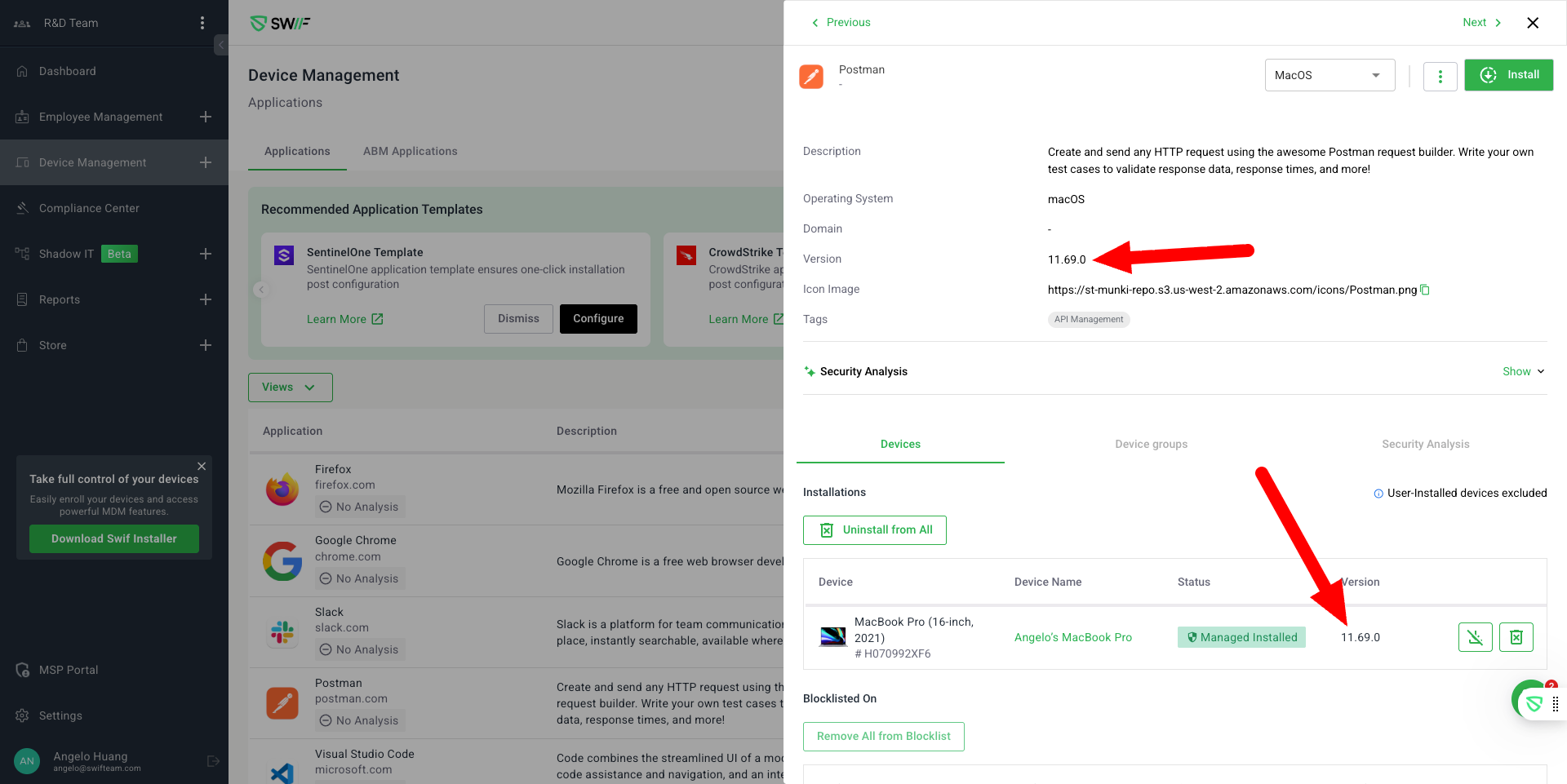
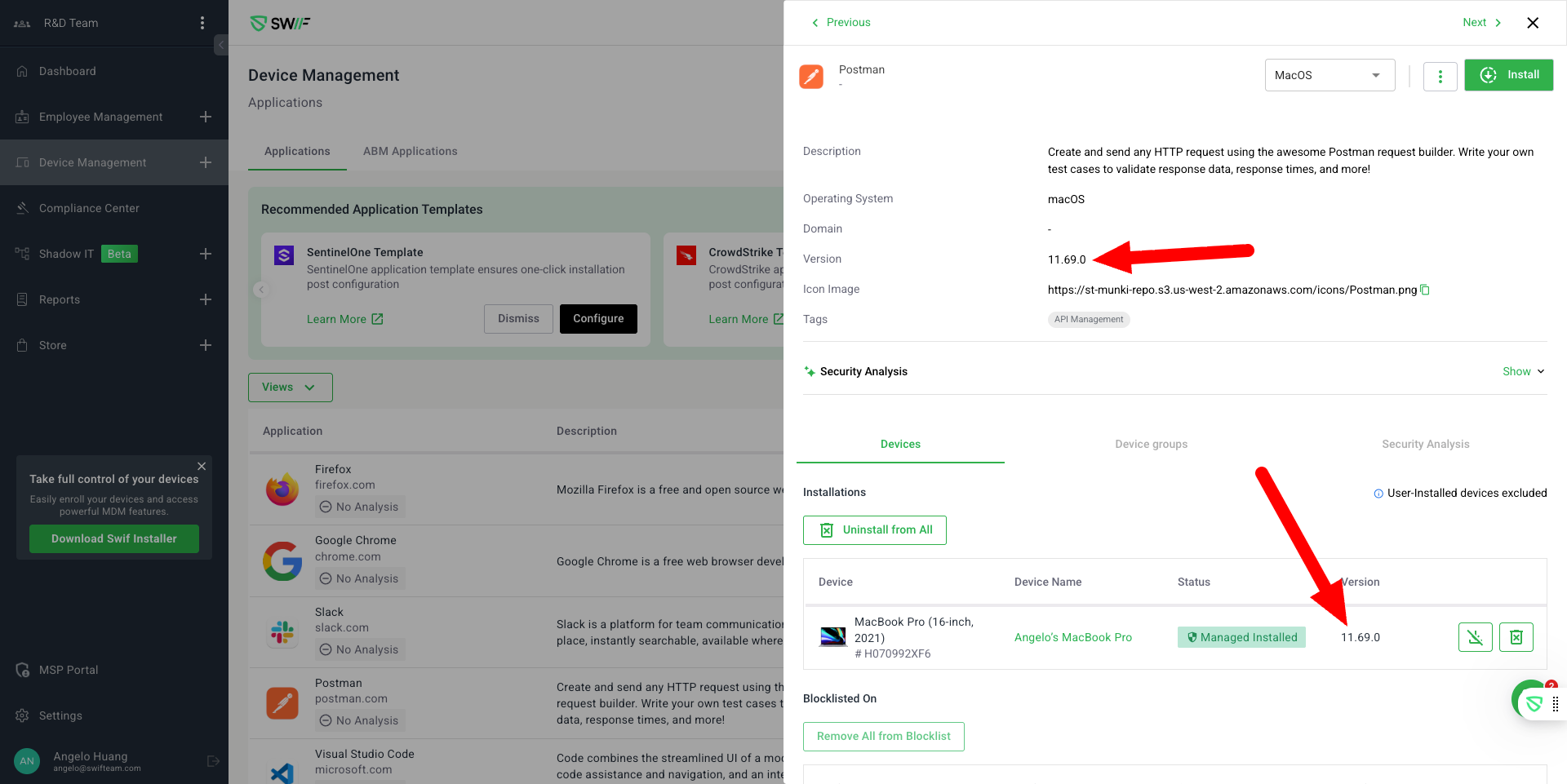
Installed Version Column:
Added a “Version” column to both:
Device Management > Applications > Application Details
Device Details > Applications
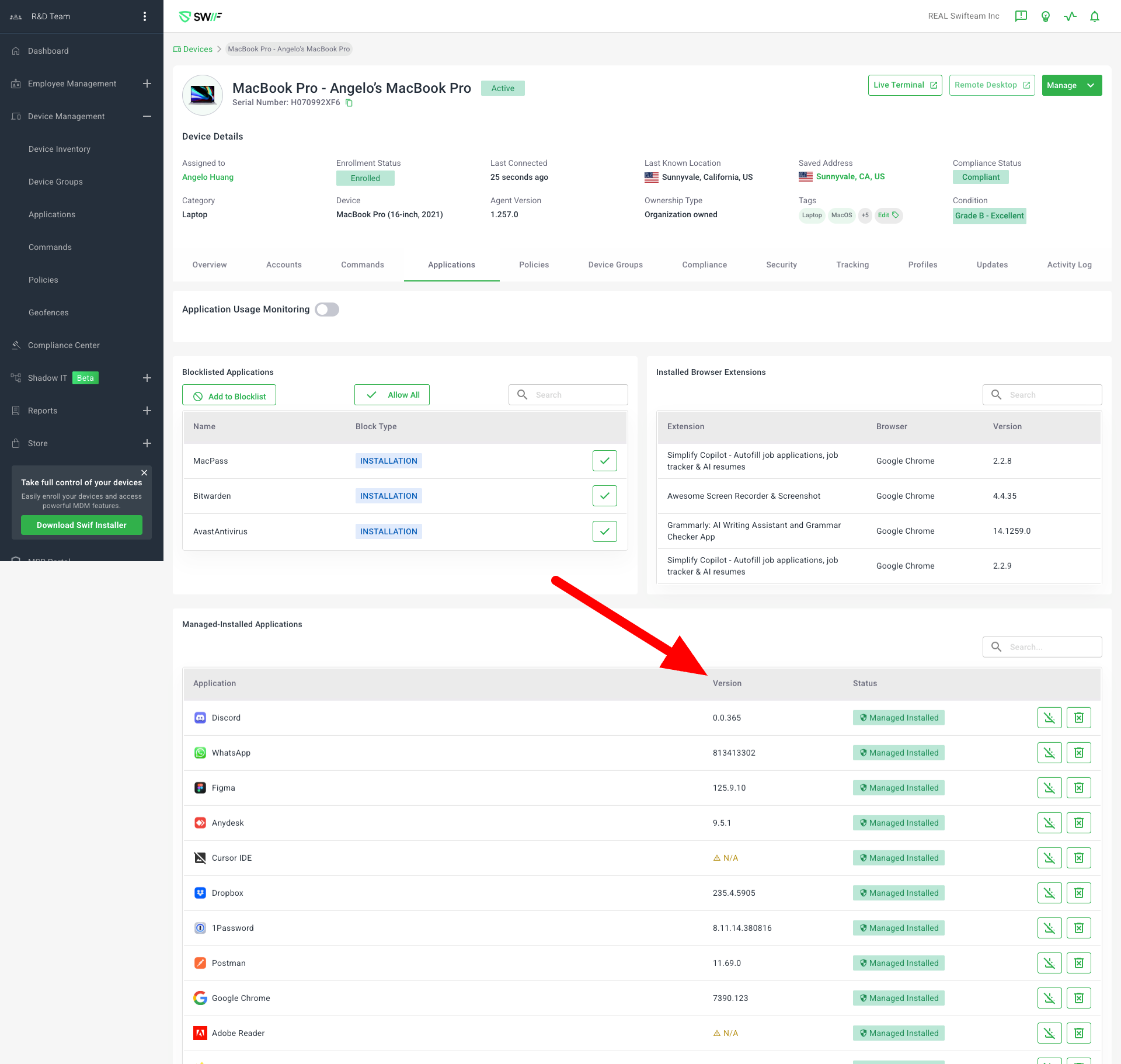
The column displays the version of each application installed on devices, as reported by the device’s application list.
Outdated Version Highlighting:
If a device has an older version than the latest version known to Swif, the version cell is highlighted (e.g., warning color) and marked as “Outdated”.
Up-to-date Version Display:
Devices with the latest version (as per Swif’s records) show the version with normal styling and no warning.
Missing Version Handling:
If the installed version cannot be detected (e.g., due to special validation requirements), the cell is empty or shows a placeholder.
Edge Case Handling:
If the validation rule confirms the app is installed but the version is missing, the same tooltip is shown to avoid confusion.
In cases where the installed version format differs from the package version, only the installed version is shown without comparison.
Notes
The “latest version” refers to the most recent version known to Swif. There may be newer versions available outside Swif’s catalog.
This update improves visibility into software compliance and helps quickly identify devices running outdated applications.