New: Control the installation order of apps in device groups
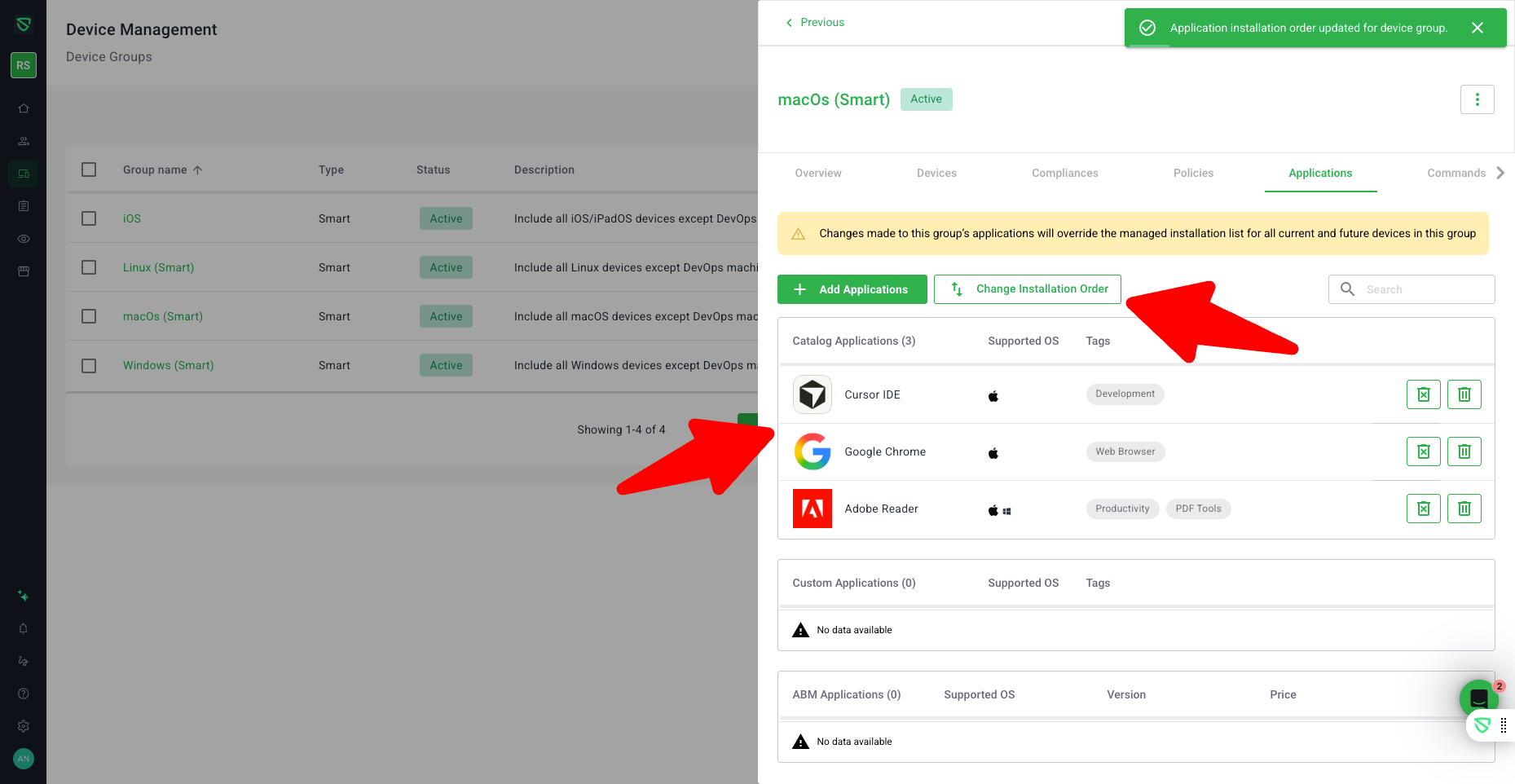
You can now control the exact order in which apps are installed for a device group, helping you ensure that critical tools and dependencies are installed first.
What’s new
“Change Installation Order” in Device Groups
In Device Groups > [Group] > Applications, admins can enter a dedicated Change Installation Order mode to:
Reorder apps within the group.
Save a custom install sequence that is respected during device setup.
System Default vs. Custom Apps ordering
In reorder mode, apps are separated into two tables:
System Default Apps
Custom Apps
Admins can:
Independently reorder apps within each table.
Choose which category installs first via radio buttons:
Install System Default Apps First
Install Custom Apps First
Clear warning about group-level overrides
When managing software on a device group page, Swif now clearly warns that:
The group’s managed app list (and its order) will override existing managed installations on:
Current devices in the group, and
Future devices added to the group.
This makes it explicit that changes at the group level can replace device-specific managed app configurations.
Improved reliability via new app management APIs
Device and group app operations have been migrated to newer, more robust APIs:
These are used for:
Install/Uninstall apps on devices and device groups.
Manage blocklist for apps.
Behavior is consistent with previous flows, with improved consistency and future‑proofing on the backend.
Impact
More predictable rollout of critical apps during provisioning.
Better control when mixing system default and custom applications.
Clearer expectations when editing group-level app configurations, reducing surprises for existing devices.