Live Terminal – Refresh Button
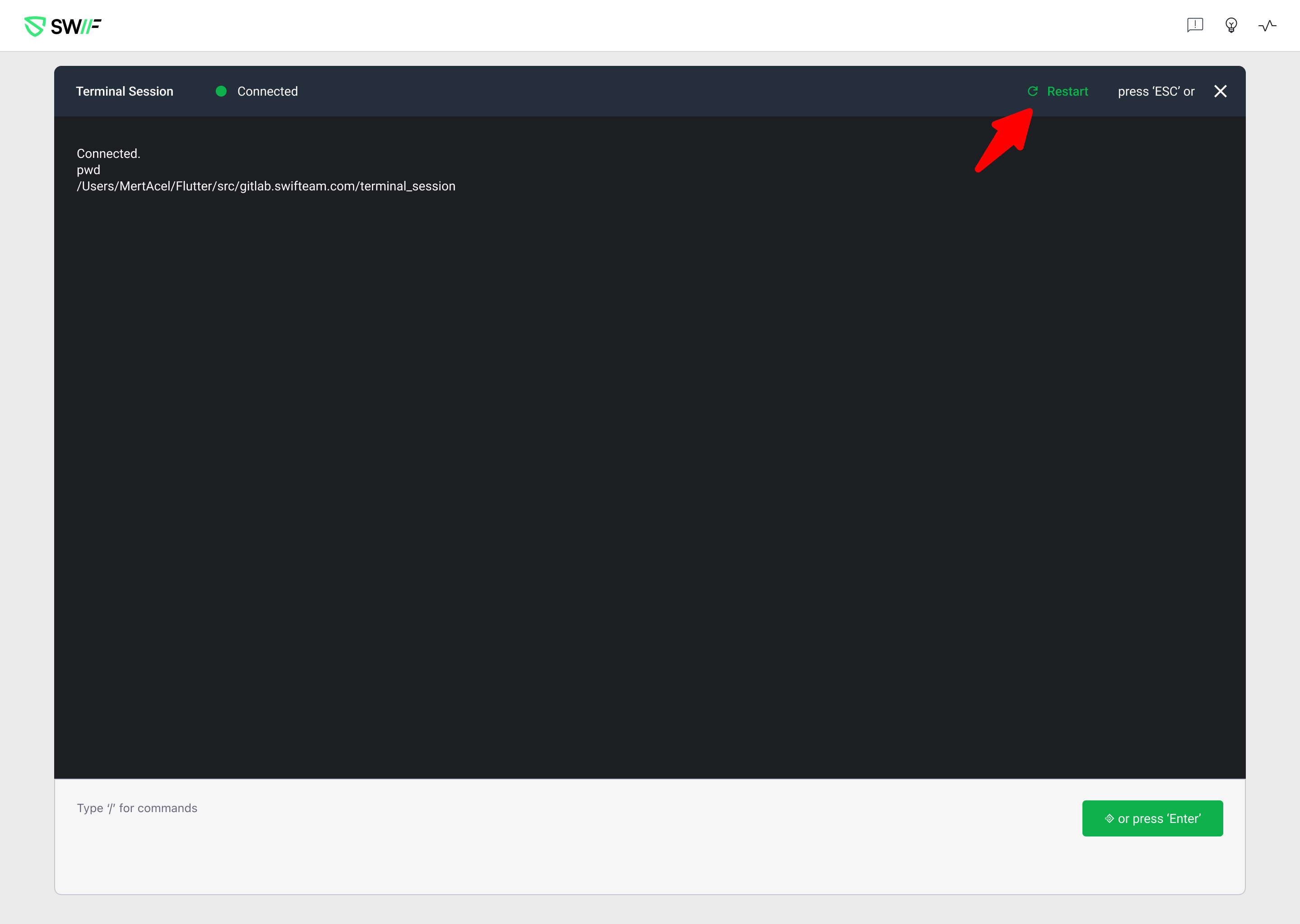
We’ve added a Refresh button to the Live Terminal in the Swif web app to make recovering from stuck or frozen sessions fast and self-service.
What’s new
Refresh control in Live Terminal
A new Refresh button is now visible in the Live Terminal toolbar for all supported platforms (Windows, macOS, Linux).One-click recovery from frozen sessions
When Live Terminal becomes unresponsive (for example, due to commands that require interaction or hang indefinitely), you can now click Refresh to:Kill the current Live Terminal session
Start a new, clean session that is responsive
Backend-integrated refresh flow
Clicking Refresh triggers the dedicated backend refresh API, ensuring the agent disconnects and reconnects cleanly.Consistent post-refresh experience
The terminal view is reset to reflect the new session.
Keyboard focus is automatically returned to the command input field so you can immediately start typing new commands after a refresh.
This change makes it easier for admins to recover from problematic sessions without waiting for the agent to restart on its own, while keeping the action explicit so it doesn’t accidentally interrupt long-running scripts.