Device activity logs: review and archive controls
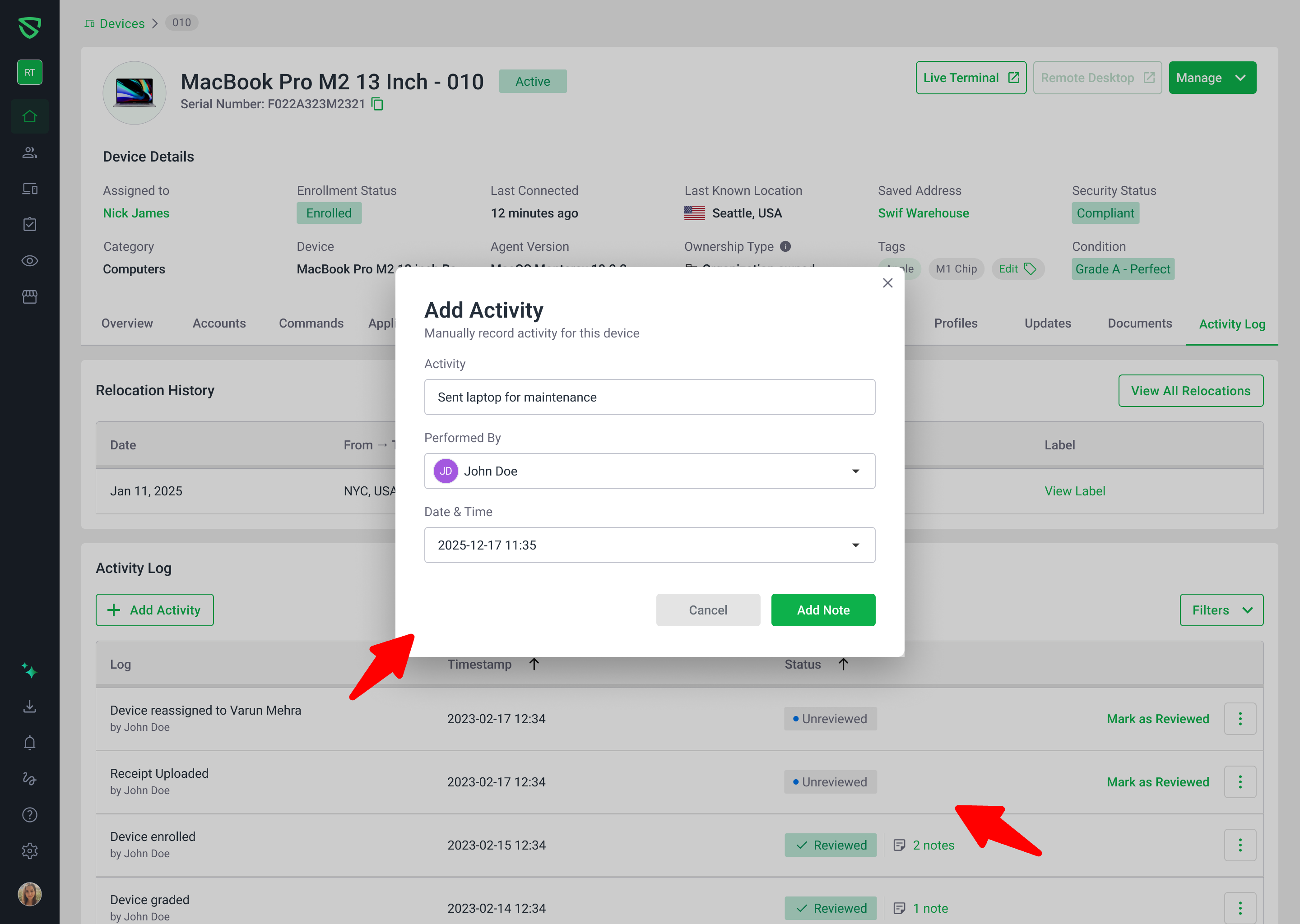
We’ve upgraded the Device Details → Activities tab to make audit and review work much easier:
New Status column
Every activity log now has a clear status: Unreviewed, Reviewed, or Archived.
By default, the list shows Unreviewed + Reviewed events so you can focus on what matters now.
Review workflow actions
From each row’s action menu you can:
Mark as Reviewed
Mark as Unreviewed
Archive Log
Add Note
Reviewed items show a tooltip like: “Reviewed at YYYY-MM-DD by Jane Doe” so you always know who acknowledged an event and when.
Archiving and dedicated Archived view
You can now archive (soft‑delete) log entries you no longer need in the main view.
Archived events are hidden from the default list but can be viewed by filtering to Archived status.
Archived items are read‑only and clearly indicated in the table, preserving your audit trail without clutter.
Better filtering and sorting
Filter by any combination of Unreviewed / Reviewed / Archived to slice activity history the way you need.
Activity logs are sorted by their created date, matching the timestamp shown in the UI, so the timeline is consistent and predictable across edits.
Refined layout and UX polish
The “Performed by” label now appears directly under each activity entry for quicker scanning.
Empty, loading, and error states are clarified so it’s obvious whether you’re waiting on data, have nothing to review, or need to retry an action.
To learn how to use these features in detail, see:
Managing Activity Logs and Notes on a Device | Help Center | Swif.ai