Deploy Homebrew Command-Line Tools to Macs, with No Installer
Release Date: November 3, 2026
Category: Software Management
Developers rely on command-line tools like wget, jq, and git. Until now, deploying them to managed Macs meant packaging each one as a .pkg or .dmg installer. Now you can deploy tools from Homebrew directly, with three short scripts and nothing to package.
What's New
A New Script Type for Custom Apps
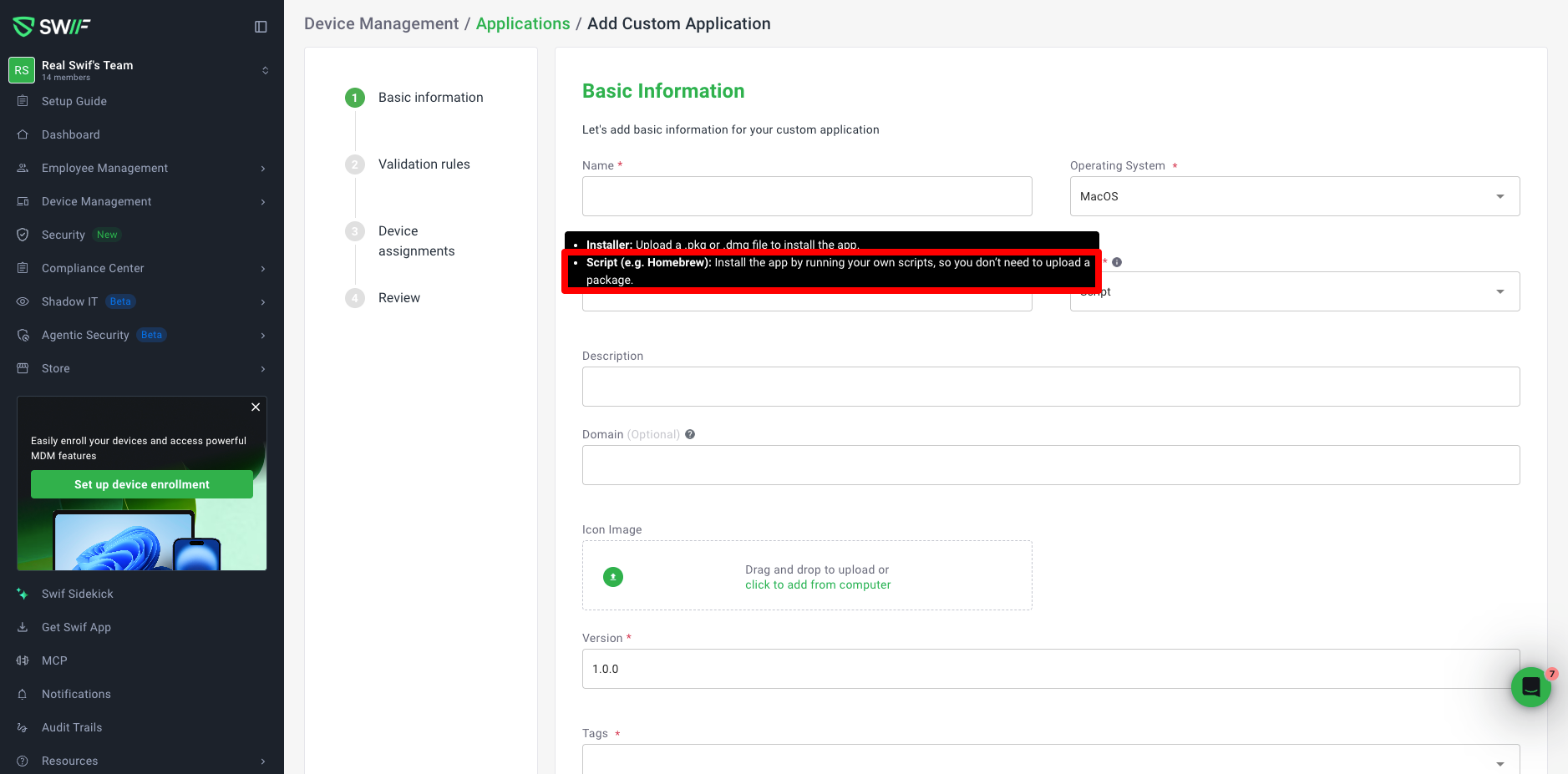
No installer needed: when you add a custom app for macOS, choose Script as its Type. Swif runs your scripts on each Mac, instead of an installer.
Fields to match: with Script selected, the Installer File and Installed App Name fields are hidden, since command-line tools don't live in
/Applications.Ready-to-use scripts: View sample Brew scripts links to tested install, install check, and uninstall scripts. Change one line, the tool's name, and deploy.
Homebrew Handled for You
Runs as the right user: Homebrew won't run as root, so the scripts find the Mac user who owns Homebrew, and run it as them.
Installs Homebrew if needed: on Apple silicon Macs without Homebrew, the script installs it first, from a verified copy of Homebrew's official installer.
Works with existing installs: Macs that already have Homebrew, including Intel Macs, use the existing installation.
Upgrades on Your Schedule
No surprise updates: tools are upgraded only when you choose, so developer environments stay stable.
One setting for fleet-wide upgrades: raise the minimum version in the install check script, and Swif upgrades every Mac below it. This is useful for fixing security issues quickly.
Clean Removal
Uninstall from Swif: when you remove the app from a Mac, the uninstall script removes the tool.
Good to Know
Command-line tools only: Homebrew formulae are supported. Casks, which are apps with a graphical interface, aren't. Use an application template or a
.pkginstaller for those.Intel Macs: Homebrew must already be installed.
Getting Started
In Swif, go to Device Management > Applications, click Add Application, and select Custom Application pkg.
Set Operating System to macOS, and Type to Script.
Paste the install, install check, and uninstall scripts, and set the tool's name.
Assign the app to your Macs, and click Finish.
Learn More: