Customized compliance control showing on Dashboard
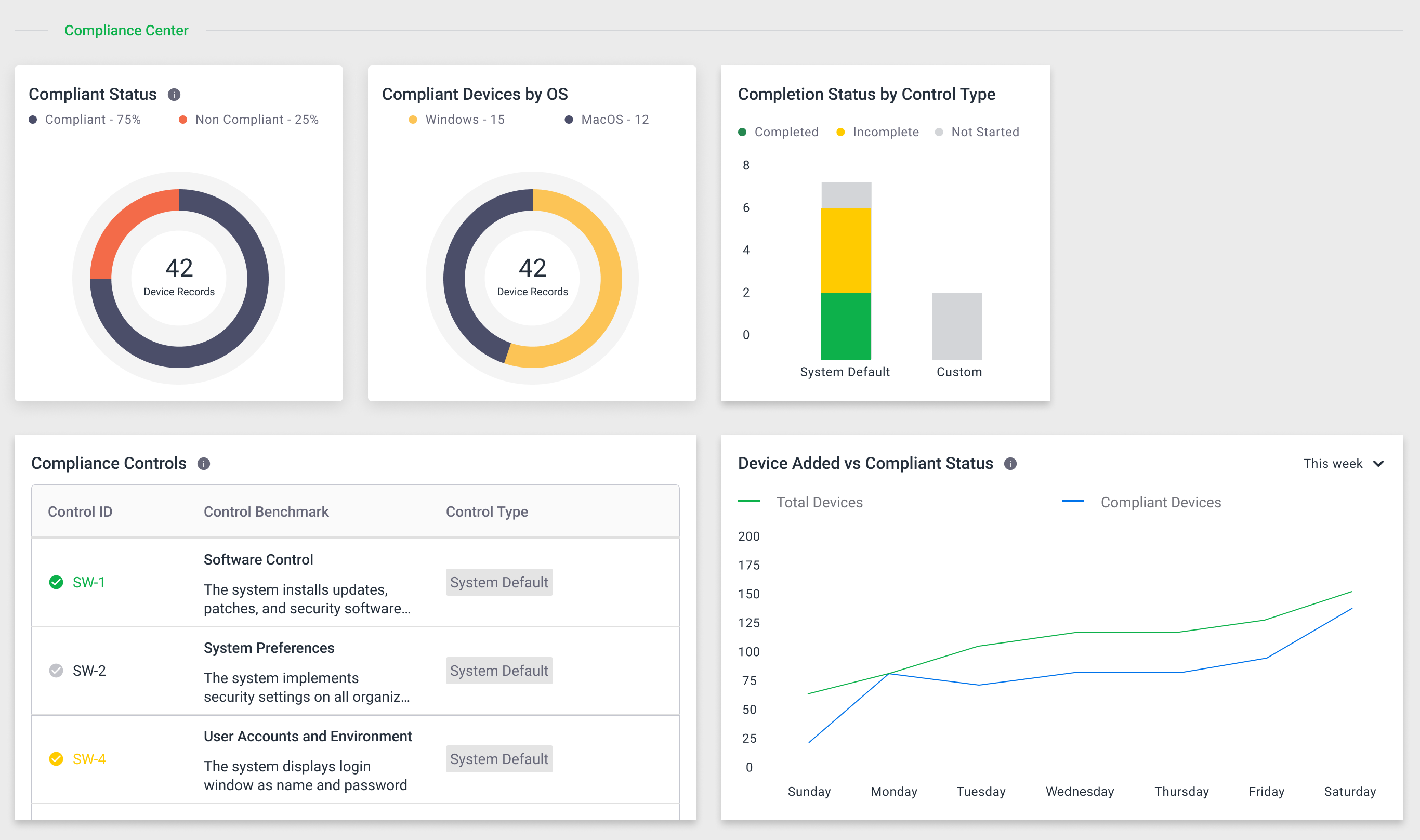
Here are the key features of "Customized compliance control showing on Dashboard":
Purpose: Adds support for displaying customized compliance controls on the Home Dashboard of the web app.
Dashboard Charts:
Shows charts for "Compliance Controls Achieved" (number completed), "Compliant Devices by OS", and "Completion Status by Control Type".
Custom compliance controls are appended to the bottom of the list as you scroll.
System default controls appear first, followed by custom controls.
The chart "Device added" is not included in this ticket and will be handled separately.
Performance: The dashboard handles long lists of compliance controls smoothly, with custom controls appended without lag or UI glitches.