Command - Placeholder to use Swif admin password
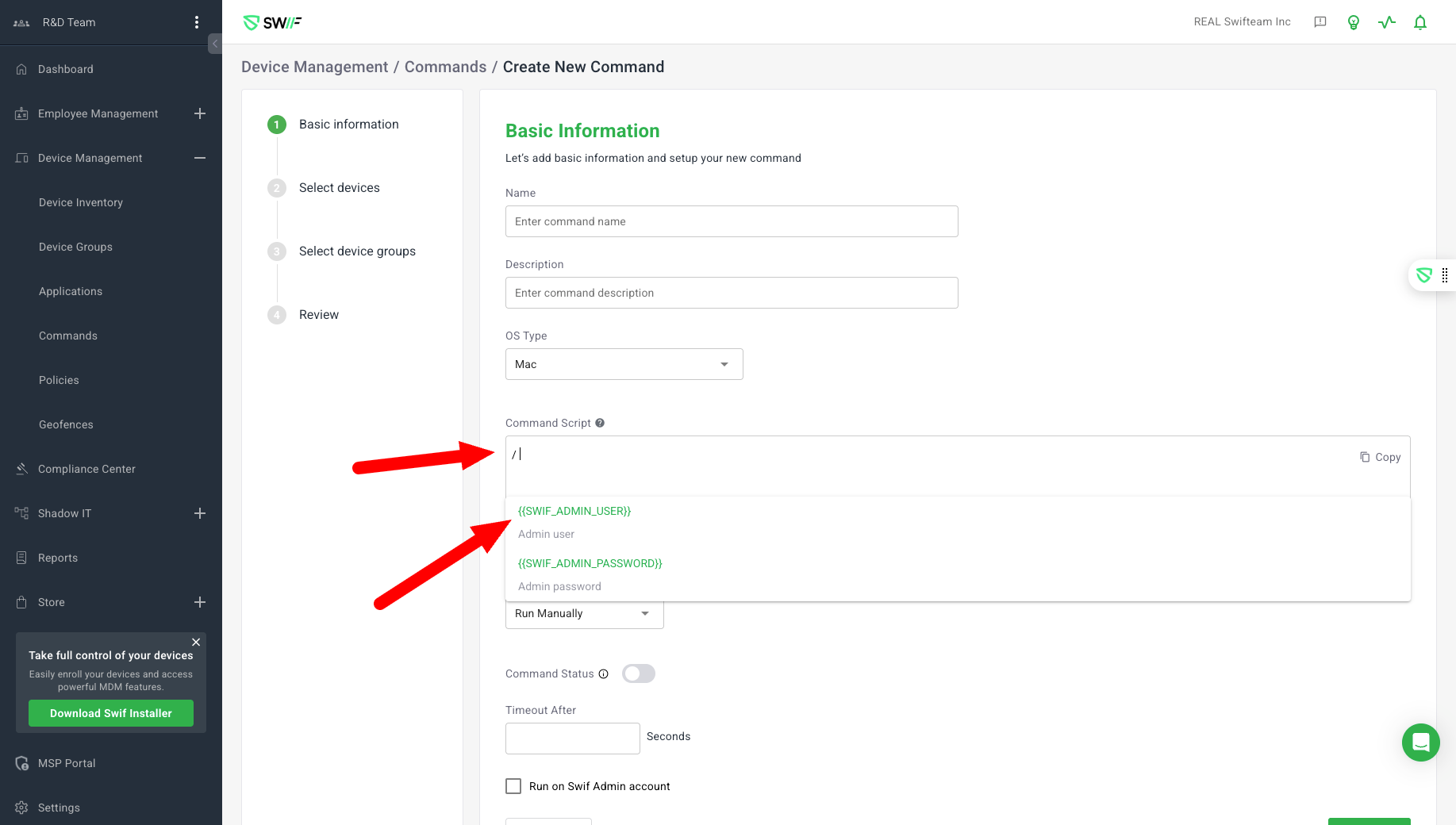
Here are the key features of the Swif admin user and password placeholders:
Purpose: Implements support for using placeholders
{{SWIF_ADMIN_USER}}and{{SWIF_ADMIN_PASSWORD}}in command scripts within the Swif web app, allowing dynamic insertion of the Swif admin username and password when commands are executed on devices.Scope: Applies to both macOS and Windows commands.
Functionality:
Placeholders are replaced with actual credentials at execution time.
Works in single-line and multi-line scripts, and even inside comments or quoted strings.
If placeholders are misspelled or have extra spaces, they are not replaced.
Commands without placeholders execute as normal.
Testing: Multiple scenarios were tested and passed, including use of both placeholders, only one, incorrect usage, and placement in comments or multiple lines.
Labels: CustomerRequested, Command, MDM, WEBAPP.
Related documentation: