August 27th, 2025
Improved
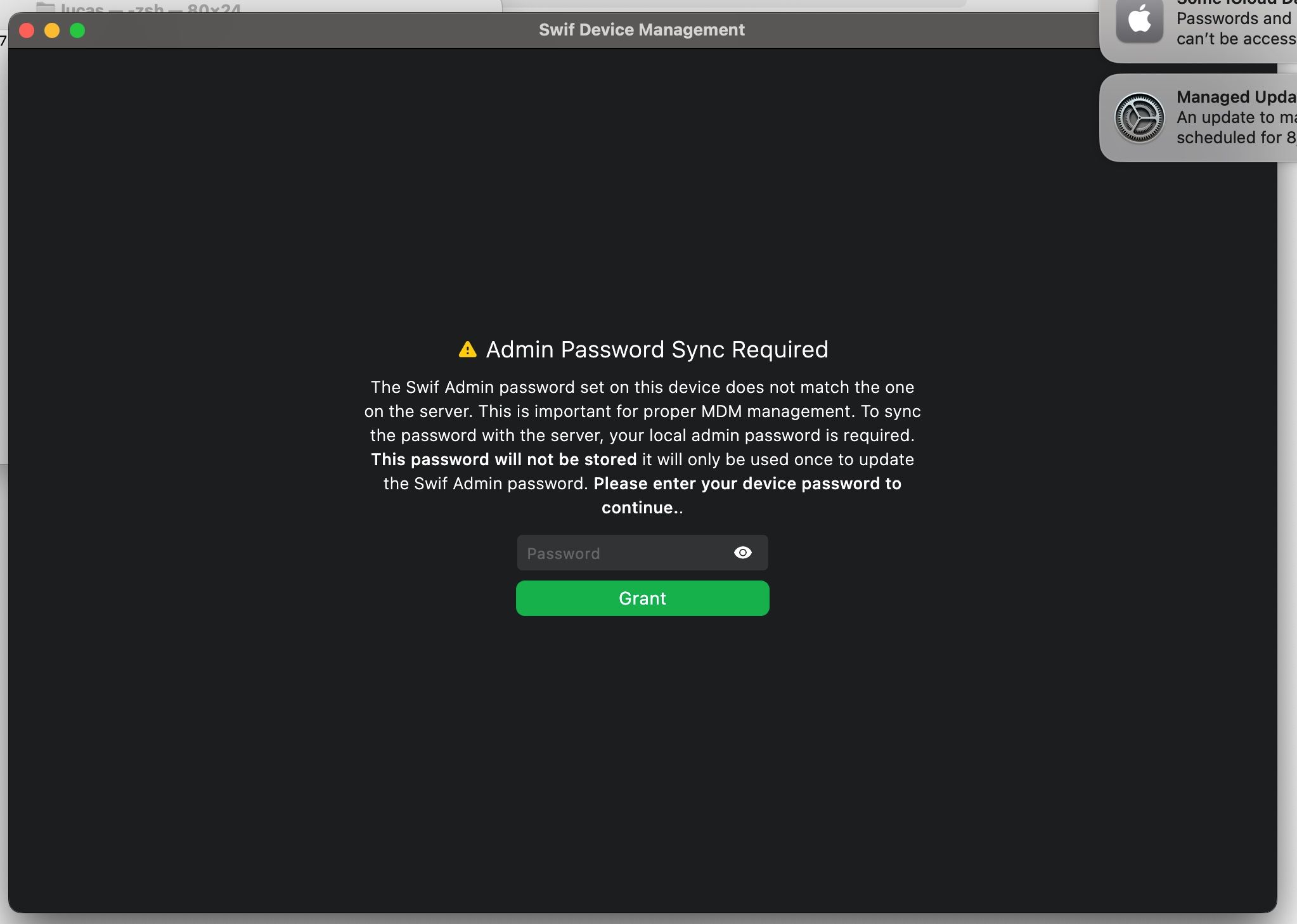
DESKAPP: Mac - Ask user to reset Swif admin password
Here are the key features of “DESKAPP: Mac - Ask user to reset Swif admin password”:
Purpose:
Enables the Swif’s desktop app on Mac to prompt the user for the local admin password in order to reset the Swif admin password. This addresses cases where the Swif admin password is lost, out of sync, or expired, which can prevent secure token operations and password resets.How it works:
When the Swif admin password on the device is different from the one on the server (often due to manual changes or password policy expiration), the app will prompt the user for the local admin password.
This process is only triggered when the MDM cannot retrieve or set the Swif admin password automatically.
User Experience:
The user is prompted for the local admin password only when necessary (i.e., when the Swif admin password is unknown or invalid).