Compliance Center - Set control as Device Compliance Requirement
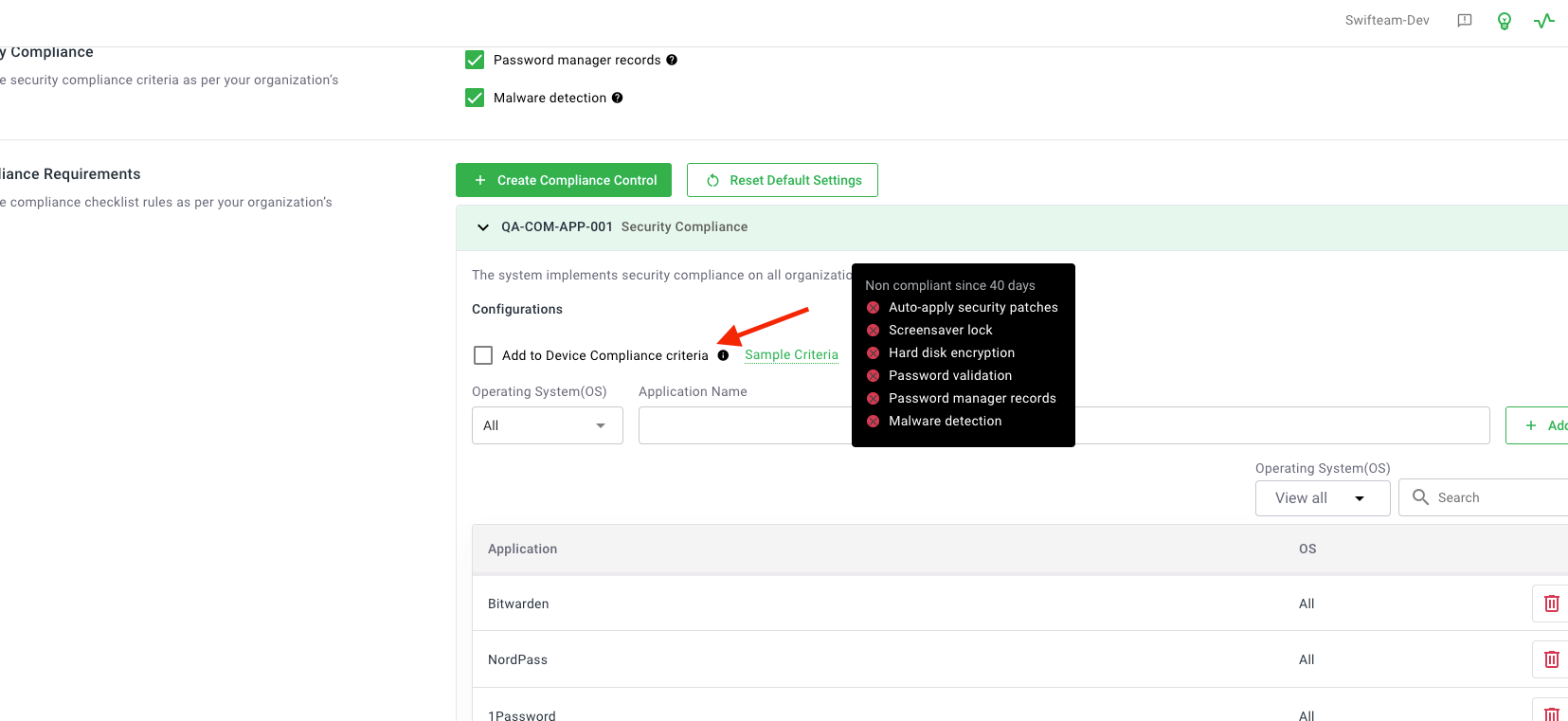
Here are the key features of “Compliance Center - Set control as Device Compliance Requirement":
Add "Add to Device Compliance Status" Option
When creating or updating a compliance control, you can now specify if it should count toward a device’s compliance status.
If checked, the control is required for compliance; if unchecked, it appears in the compliance center but does not affect compliance status.
Tooltip explains the effect of this option for clarity.
UI/UX Updates
The Device Inventory table column “Security Status” is renamed to “Compliance Status.”
The compliance logic for devices remains unchanged, but now supports custom controls.
Device Details Page Changes
The Compliance table is removed from the Device Details > Security tab.
Only controls added to device compliance status are shown under Device Details > Compliance.
For more details, visit Set control as Device Compliance Requirement.